Mastodon
A decentralised microblogging network from Mastodon gGmbH: you choose a server, create an account there and follow people across the fediverse.
Web
Open source

Threads is Meta's social networking and microblogging service for short public posts, connected to your Instagram account.
Average 0.0 · ratings: 0
Thank you! Your rating is saved; you can change it. Could not save the rating. Please try again later. Too many ratings from your network today. Please try again tomorrow. The average appears after 5 ratings.
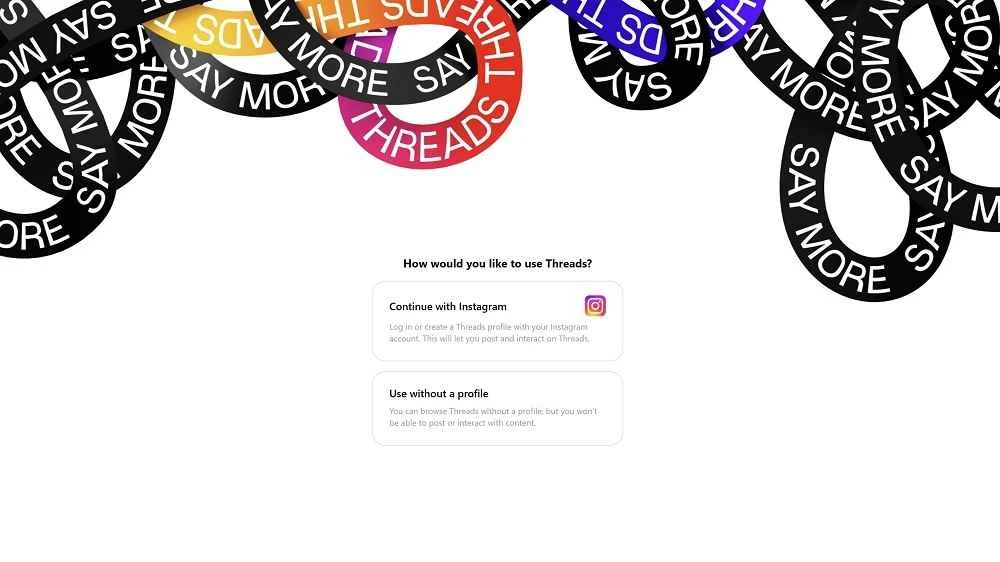
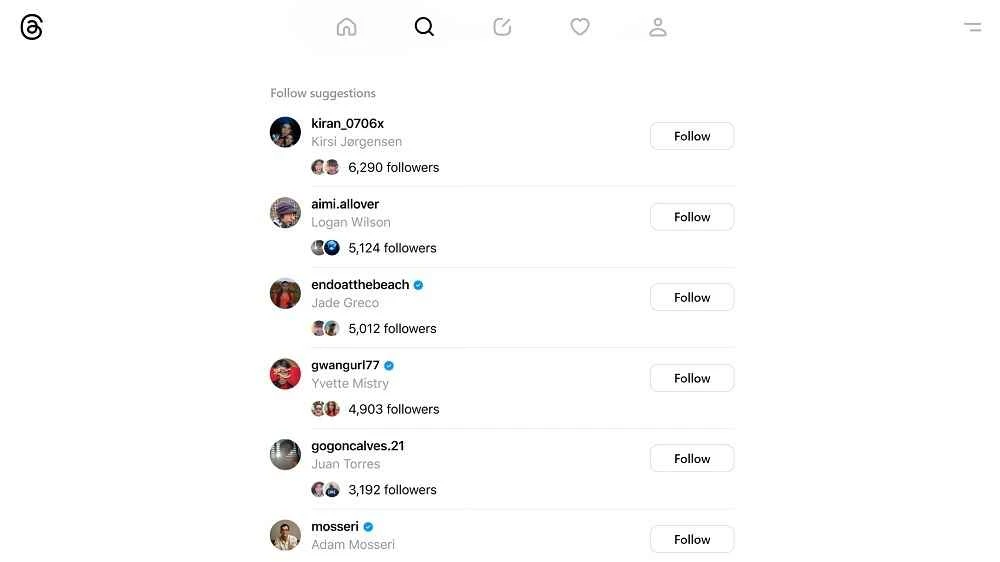
Threads 2024.306.922.0 for Windows is the desktop app of Meta's text-based social network, and you can download it free through official channels. Threads launched in July 2023 and is built for short public posts, replies and conversations, with sign-in through your Instagram account.
Threads is a microblogging service operated by Meta Platforms and developed by the Instagram team. The idea is familiar from other networks: you write a short post, add a photo or link if you like, and people who follow you can reply, repost or quote it. What sets it apart is the connection to Instagram. Your profile, username and followers can be carried over, so there is an audience from day one instead of an empty timeline. On a Windows PC the app gives Threads its own window with notifications, which suits people who post during the working day, social media managers who handle brand accounts and anyone who finds typing longer posts easier on a keyboard. The feed mixes accounts you follow with recommended posts, and you can switch to a view of only the accounts you follow.
| Version | 2024.306.922.0 |
|---|---|
| Developer | Instagram (Meta Platforms) |
| License | Freeware, proprietary |
| Platform | Windows |
| Launched | 5 July 2023 |
| Size | about 359.16 KB according to catalogue data |
You can also use Threads in the browser at threads.com.
The Microsoft Store checks compatibility before installing. You need a current Windows version, an internet connection and an Instagram account to log in.
A new account can feel noisy, because the feed leans on recommendations. Following people you already know from Instagram, muting topics you do not care about and switching to the following-only view make it calmer. Replying is where Threads comes alive: short, thoughtful replies to posts in your field are the quickest way to be noticed. If you manage a brand account, keep the tone lighter than on a corporate website and check replies at least once a day, since conversations move fast.
Install Threads only from the Store or via threads.com, and be careful with look-alike download pages that promise the app as a file. Decide whether your profile should be public or private, limit who can reply to your posts, and use the hidden words setting to filter abusive replies.
Threads is free to download and use.
Twitter, Reddit, LinkedIn and Facebook are social apps for Windows in the same category, and Instagram itself focuses on photos and video.
A decentralised microblogging network from Mastodon gGmbH: you choose a server, create an account there and follow people across the fediverse.
A decentralised social network with Facebook-style profiles, groups and long posts, connected to Mastodon and the rest of the fediverse.

Reddit for Windows is the desktop app of Reddit's discussion platform, where communities called subreddits share news, questions and posts.

Facebook Lite is the lightweight version of Facebook from Facebook Inc. This page covers build 530.0.0.8.106 listed for Windows.

The official Snapchat app for Windows from Snap Inc., available in the Microsoft Store. It runs Snapchat for Web in its own window.

X, formerly Twitter, is a microblogging service from X Corp. The Windows app puts your timeline, notifications and messages in a desktop window.

Instagram is Meta's photo and video social network. The Windows app brings the feed, Reels and direct messages to a PC running Windows 10 or 11.

TikTok Web is the browser version of TikTok from ByteDance, letting you watch, search and post short videos on a Windows PC without installing an app.

LinkedIn for Windows is the desktop app of the social network for professionals, used for networking, job search and industry news.